
:no_upscale()/https://cdn.b2match.com/uploads/SSO_Cover_e436b0db52/SSO_Cover_e436b0db52.png)
Product update
Single sign-on (SSO) has arrived for b2match workspaces.
Sep 4, 20262 min read
Every workspace owner knows the quiet dread of an offboarding checklist. Someone leaves the team, and before you know it you're working your way down a list of logins, making sure every account gets closed properly. If your team runs events, b2match has probably been on that list too. Starting today, it doesn't have to be.
We're introducing self-serve SAML 2.0 single sign-on, available per workspace. Connect b2match to Okta, Microsoft Entra ID, Google Workspace, Auth0, or any other SAML-based identity provider, and let your IdP do what it already does best: control who gets in.
What changes for your team.
Once it's connected, your team signs into b2match exactly the way they sign into everything else at work. No separate b2match password to create, remember, reset, or worry about.
It also makes the boring parts of team management genuinely simple. When someone joins your organization and your b2match workspace, your identity provider grants them access to b2match automatically. When someone leaves, it takes that access away too, at the same moment as everything else. One system decides who's in. One less thing for you to track by hand.
Set up with confidence, not crossed fingers.
Identity setups have a reputation for going wrong at the worst possible time, so we built this one to be forgiving from the start.
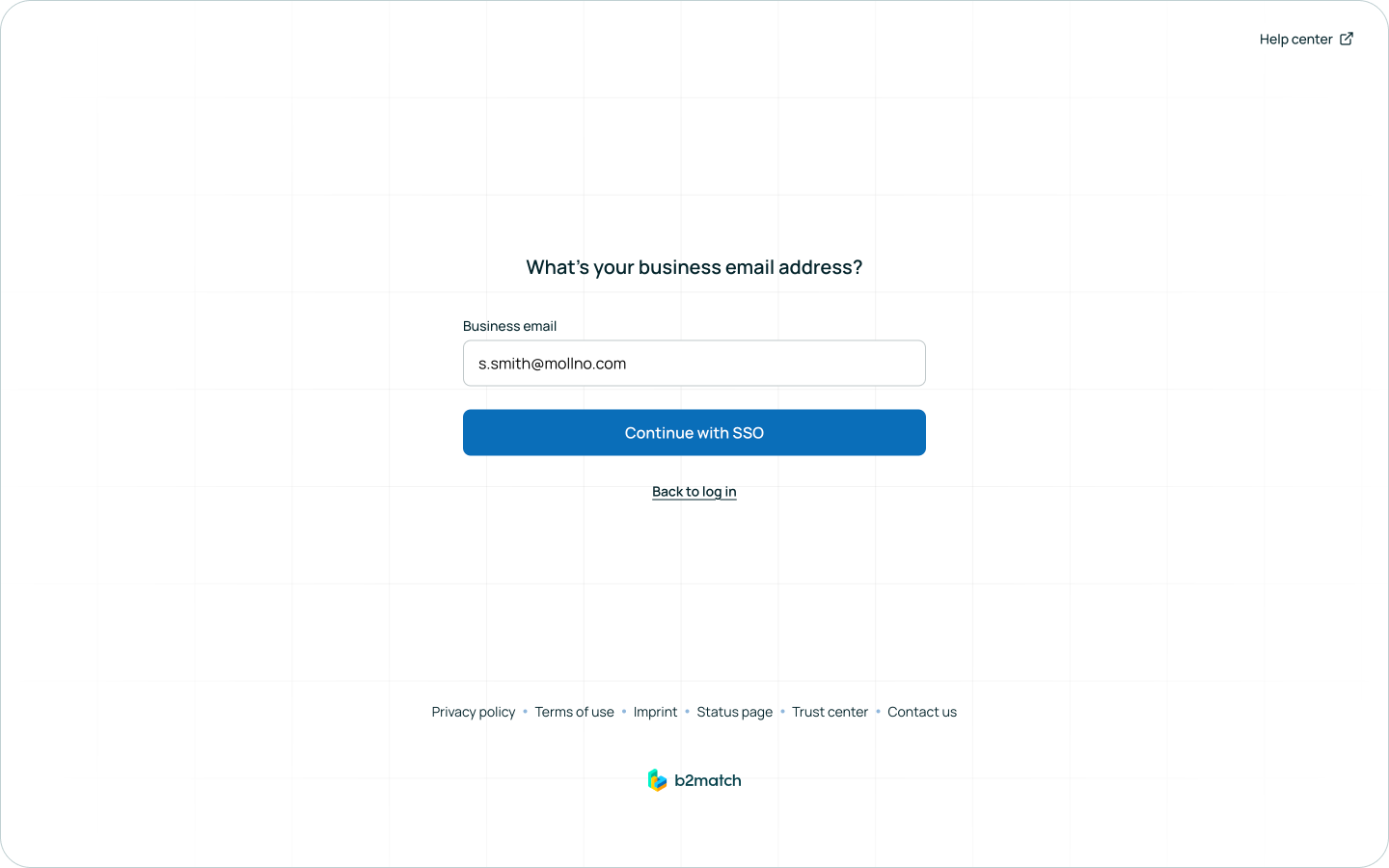
A new connection is switched off the moment you create it, so nothing about how your team logs in changes until you're ready. You can run a real test against your identity provider first and get a clear confirmation it's working, before anyone depends on it.
And turning SSO on doesn't turn anything else off: email and password logins keep working right alongside it, so your team can ease in at whatever pace suits you. Even later, once you decide to make SSO the only way in, the workspace owner still keeps a personal email-and-password login tucked away, just in case.
Setup, in short.
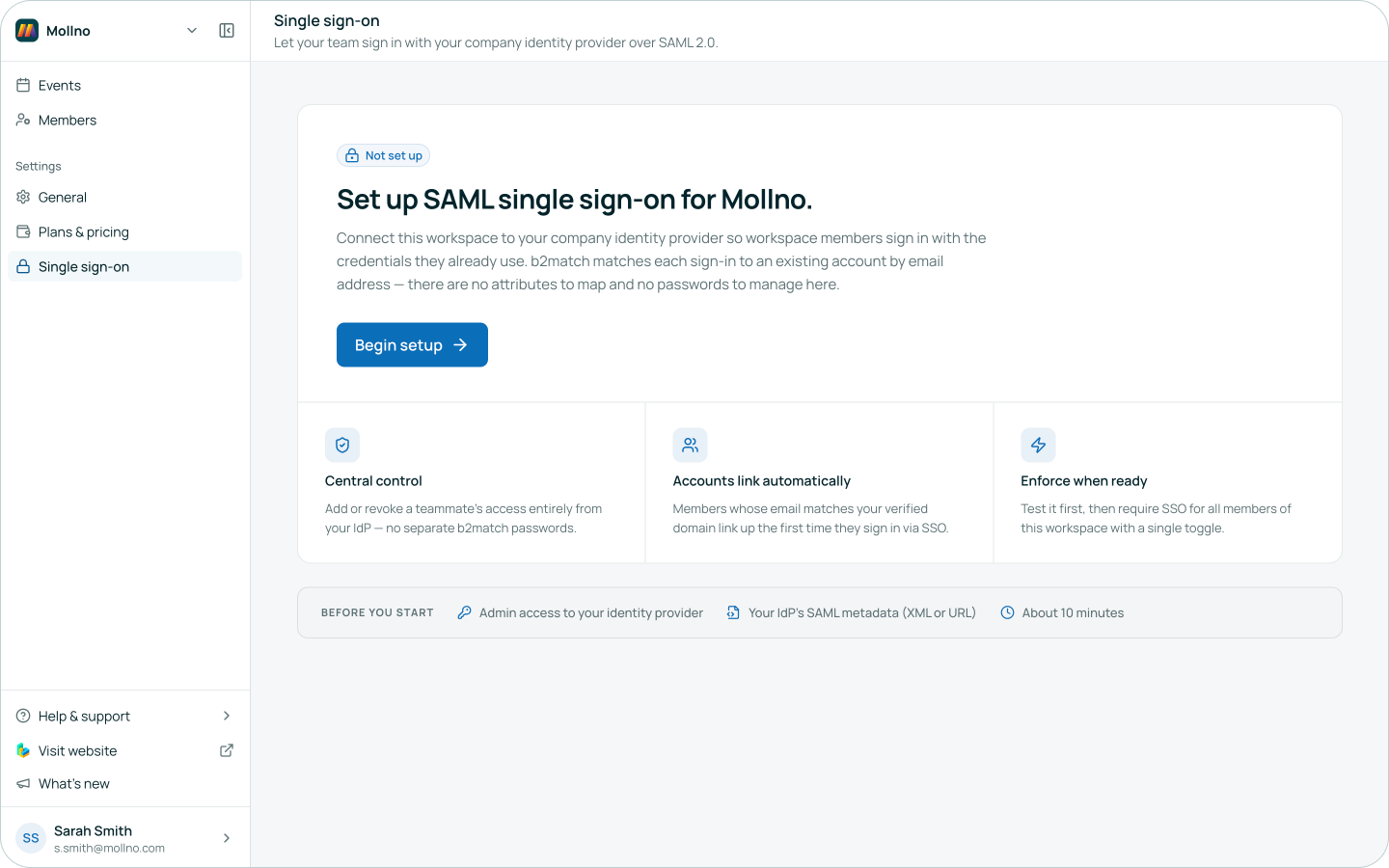
If you have admin access to your identity provider, setup takes about ten minutes. Open Single Sign-on in the Customer Portal, and we'll guide you through connecting your provider step by step. Test it, switch it on, and your team is ready to go, no invitations to send and no accounts to migrate by hand.
Why it matters beyond convenience.
If you've ever filled out a security questionnaire to get a vendor approved, you know the question is coming: do you support SAML SSO with enforced sign-in? Now the answer is yes, which means one less blocker between b2match and your procurement team.
Getting access.
Single sign-on is available to EEN licenses and to workspaces on our Professional plan and above. If that's you, just ask your workspace owner or administrator to switch it on. Everything after that is entirely in your hands.
Your identity provider already knows who's on your team. Now it can tell b2match, too.